

i-Reserve and WeCloudit
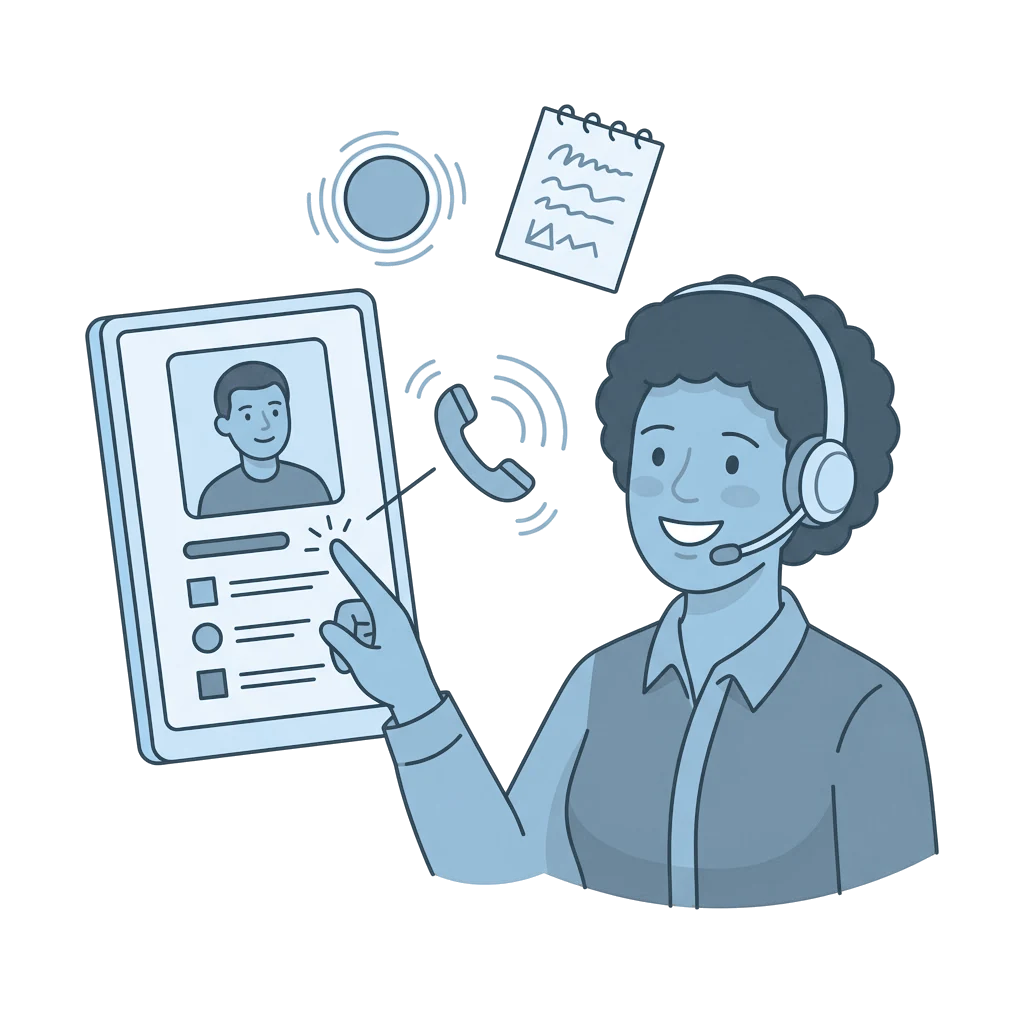
With WeCloudit you call with one click from i-Reserve, see who is calling, and every call is automatically logged with the right customer.
Type: NativeFrom: Bronze
How it works
WeCloudit provides your business telephony. Click a phone number in i-Reserve and your phone rings and the call is set up. Incoming calls are recognised and linked to the right customer record, and incoming and outgoing calls are logged with the right customer or company.
What it delivers
You work from one system and don't have to switch between your phone and i-Reserve. You no longer retype numbers, which saves time and avoids typos. With every call you immediately see who the customer is, and calls, notes and recordings sit with the customer, next to your email, text messages and chat. i-Reserve itself also uses WeCloudit for its own telephony.
What you need
For this integration you need business telephony from WeCloudit. i-Reserve runs in the browser, so the integration works on Mac and Windows without a separate installation. You also need the CRM module.
Extra options
AI notes: call notes can be filled in automatically with AI notes.
Playback: calls can be recorded and played back.
Tasks and callback requests: you link calls to tasks and callback requests.
Phone book: your phone receives the known numbers from i-Reserve, so you see who is calling right away, even on a desk phone.
How to switch it on
- Connect your WeCloudit account in the settings
- Choose the settings and test
Simply do it yourself, or have it included in the setup.
Frequently asked questions about WeCloudit
What is the integration between i-Reserve and WeCloudit?
WeCloudit provides business telephony. With the integration you call with one click from i-Reserve, see who is calling, and every call is automatically added to the right customer card.
What is click-to-dial and what does it bring?
With click-to-dial you make an outgoing call by clicking a phone number in i-Reserve; your phone rings and the call is set up. You no longer have to retype numbers, which saves time and prevents typos.
Do I see straight away who is calling?
Yes. Incoming calls are recognised and linked to the right customer card in i-Reserve, so you can talk to the customer personally right away, without looking up details first.
Are calls logged with the customer automatically?
Yes. Incoming and outgoing calls are logged with the right customer or company. Calls can be recorded and you make notes per call, so you always see what was discussed and when.
Does the integration work on both Mac and Windows?
Yes. i-Reserve runs in the browser, so the WeCloudit integration and click-to-dial work on Mac and Windows, without a separate installation.
Does the integration work together with the i-Reserve CRM?
Yes. The integration requires the CRM module: calls, notes and recordings go to the right customer or company, next to your email, text messages and chat.
Also in office tools





All integrations · Is your system missing? Request it
Connect WeCloudit and done?
Try it free for 30 days, we set the integration up with you. Or book a demo.