

i-Reserve and Evoko Home
With Evoko Home your bookings from i-Reserve appear on the Evoko Liso displays at your rooms, and a booking someone makes on a display on the spot becomes a booking in i-Reserve.
Type: NativeFrom: Bronze
| i-Reserve | Evoko Home | |
|---|---|---|
| Booking (at chosen status) | goes to | Booking on the room's display |
| Booking details | goes to | Subject on the display |
| Change or cancellation | goes to | Updated or removed booking |
| New booking | comes back from | Booking on a display |
| Extended booking | comes back from | Booking extended on a display |
| Cancelled booking | comes back from | Booking removed from the display |
How it works
Evoko Home is the management platform behind the Evoko Liso room displays, the touchscreens next to your meeting rooms and workspaces. You link each object in i-Reserve to a room in Evoko Home. When a booking reaches the status you choose, it appears on that room's display, and changes and cancellations follow. Bookings that are made on a display or disappear from it are picked up by i-Reserve every few minutes.
What it delivers
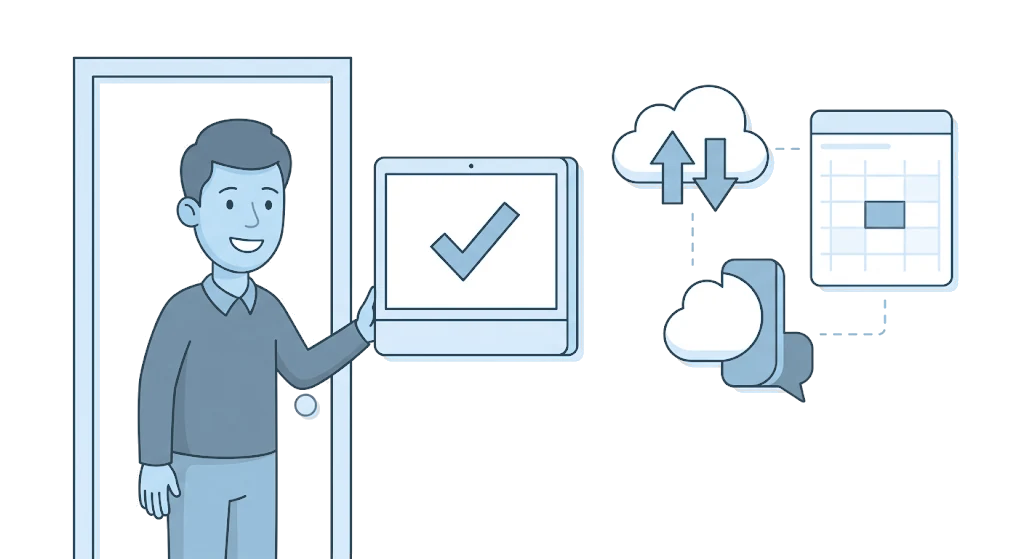
At the door you see at a glance whether a room is free or occupied. Anyone who needs a room on the spot books or extends it on the display, and that arrives in i-Reserve automatically. Both systems show the same occupancy, without double bookings and without updating two systems by hand.
What you need
For this integration you need Evoko Liso room displays and the Evoko Home platform. You set up the integration with the WebSocket URL of your Evoko Home server and the API token from Evoko Home.
Extra options
Paid rooms: a booking made on a display is not paid through i-Reserve. For rooms that require payment, you therefore choose whether such a booking is allowed, refused or kept outside i-Reserve.
Text on the display: you decide which booking details appear on the display, for example the object and the booking number.
How to switch it on
- In Evoko Home, note the server's WebSocket URL and the Default API Token
- Add the integration in i-Reserve and test the connection
- Choose the statuses, the text on the display and how display bookings are handled
- Link your objects to the right Evoko rooms and test both directions
Simply do it yourself, or have it included in the setup.
Frequently asked questions about Evoko Home
What is the integration between i-Reserve and Evoko Home?
Evoko Home is the management platform behind the Evoko Liso room displays. With the integration your bookings from i-Reserve are shown on the displays at your rooms, and a booking someone makes on a display on the spot becomes a booking in i-Reserve.
What are Evoko Liso room displays?
Evoko Liso are the touchscreens next to your meeting rooms and workspaces. They show at a glance whether a room is free or occupied, and you can book a room on them on the spot. You manage those displays with Evoko Home.
Does the synchronisation work both ways?
Yes. When a booking in i-Reserve reaches the status you choose, it appears on the room's display, and changes and cancellations follow. Bookings that are made, extended or cancelled on a display are picked up by i-Reserve every few minutes. That way both systems show the same occupancy.
What do I need to set up the integration?
You need the WebSocket URL of your Evoko Home server and the API token from Evoko Home. You enter them in the integration in i-Reserve, after which you link your objects to the right Evoko rooms. The steps are in the manual.
Which rooms does this work for?
For the meeting rooms and workspaces you manage as objects in i-Reserve and link to a room in Evoko Home. Every room with a display then shows the current occupancy.
Do I need my own Evoko hardware?
Yes, the integration works with your own Evoko Liso room displays and the Evoko Home platform. i-Reserve makes sure the bookings on the displays and in i-Reserve stay the same.
Also in office tools





All integrations · Is your system missing? Request it
Connect Evoko Home and done?
Try it free for 30 days, we set the integration up with you. Or book a demo.