
Customer management: every guest, every company and every contact moment on one card
Notes, email history, statuses and discount profiles per customer. Companies with several contacts, emailing a whole group at once, and a dashboard that can differ per staff member.
Easily see upcoming bookings, add personal notes and get insight into the emails sent? Customer management is standard in i-Reserve and offers many ways to manage your customers in the reservation system. It helps you improve and speed up your relationships with customers. You update a customer’s details in no time and send the customer a direct email. You can also contact a large group of customers at once, for example when something changes in a booking or when you want to tell them about a new development in your business.
clear and complete
Keep track of your customers
Record contact moments with your customer, such as phone calls and emails. You can do this manually or automatically. Already using a CRM? Then you simply import your existing customers into the i-Reserve reservation system. Create your own customer statuses, such as active and inactive, and do the same for companies. Link customers to a company, so you see right away in the customer dashboard where they belong. Or link customers to each other, such as a couple or children from one family. For each customer you set the language in which emails are sent.
import your datalog contact momentscustomer statuscompany statuslink customers to each otherlink customers to a companyshow company details with the customerlanguage settings
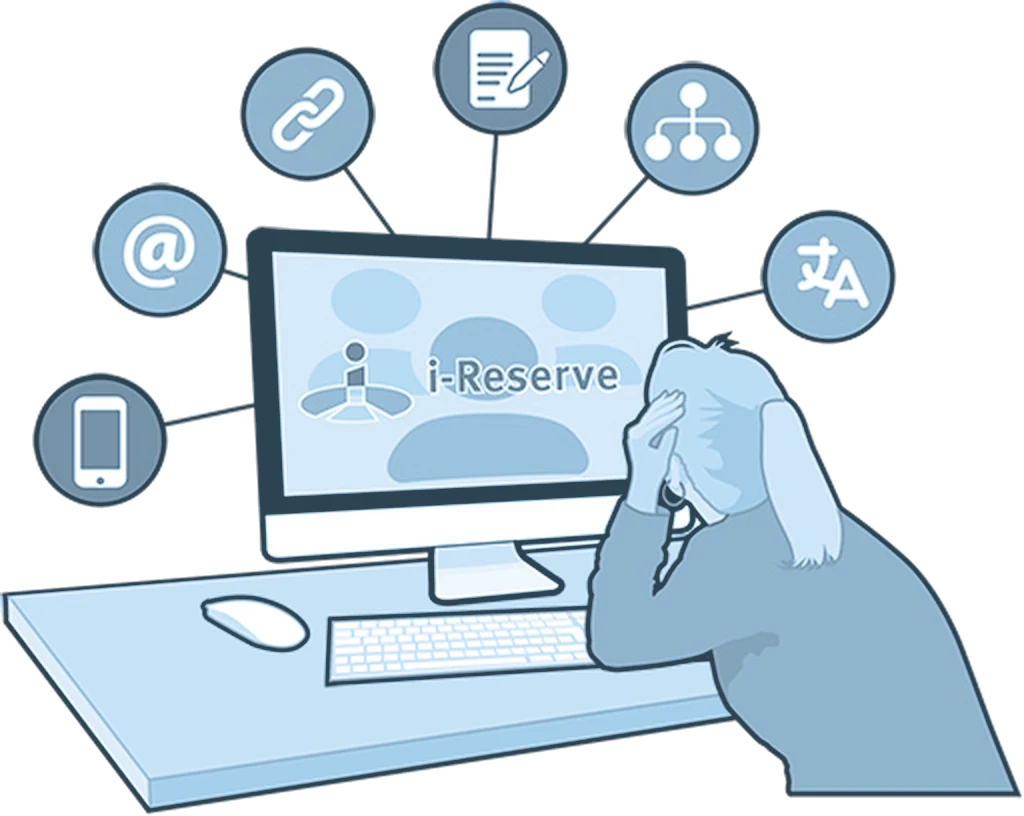
flexibility + overview = customer friendly
Clear for you, friendly for the customer
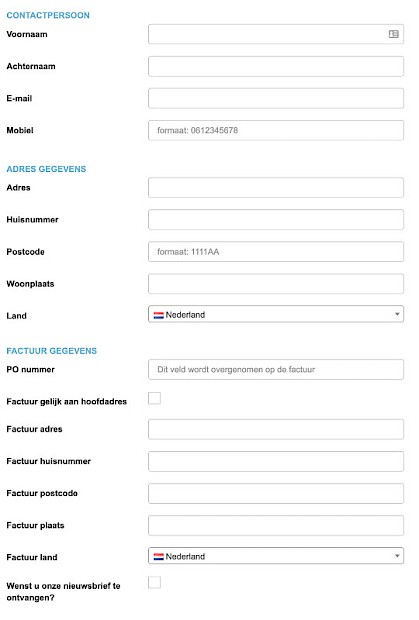
You don’t want to ask your customer too much. That’s why you decide which information your customer fills in and what is required. You can set this separately for customers and staff. Ask for extra contact details if you like, such as several email addresses or phone numbers. With their own user account, your customer can view or change the booking. You send mailings, surveys or newsletters to a whole group in one click. In the customer dashboard you choose which information and filters you see, different for each user.
flexible customer formextra contact detailsuser account for the customermail several customers at onceyour own overview in the customer dashboardall kinds of filters to set
financials in order
Bring your financial details into your CRM
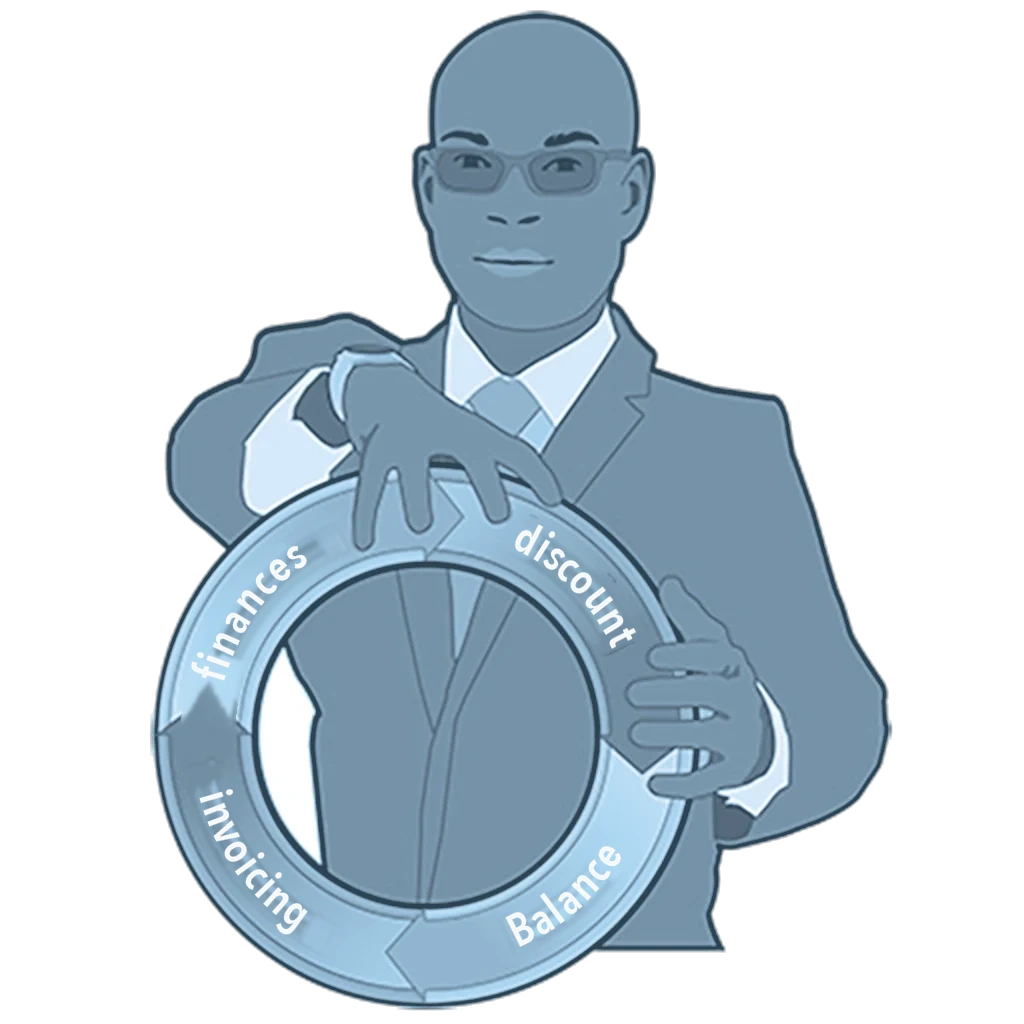
Also record your relation’s financial details, such as IBAN, BIC and payment method. Use the company entity as the invoice address. Does a customer get a discount on every booking? Then assign a discount profile with a fixed percentage or amount. With filters you get an overview of the finances out of i-Reserve.
financial detailsinvoicing at company leveldiscount profilescheck the balance
All features for customer management
CRM
Manage your relationships and interactions with customers and prospects. It gives you clear customer management, lets you streamline processes and helps you earn more.
Logging contact moments
Record contact with a customer (phone calls, e-mail exchanges) with very little effort. It can be linked to the customer manually or automatically.
Categorising relationships
Give companies a company status, so you can work with different kinds of labels for them.
Importing data
Import your existing customers from your current CRM system into the i-Reserve reservation system.
Customer status
Define the customer statuses you want and assign one to each customer: a quick way to tell active from inactive customers, for instance.
Language settings
Set the preferred language per customer, so they receive e-mails in the right language. Either way, customers receive messages in the language they booked in.
Customer form
You decide what you ask a customer for, and which of those details are compulsory and which optional. You can even set that differently for customers and for staff entering the details.
Customer dashboard
You decide what the customer dashboard shows. Each user can set it up personally, so everyone sees only the customer details they need.
Extra contact details
You can add extra contact details to a customer, such as several e-mail addresses or phone numbers.
Financial details
Enter the financial details of the relationship, such as IBAN, BIC and payment method.
User account
Let customers create a user account themselves, or create one for them and link it to their customer record. With that account you can let them view and change their own reservation.
Linking customers
You can link customer accounts to each other, for a couple, for example, or for children from the same family.
Mailing several customers at once
You can mail a whole group of customers, automatically or by hand, for a newsletter or a survey for instance.
Discount profiles
Some customers get a discount on every booking. Assign them a discount profile and they receive the same percentage or the same amount off every time.
Linking to a company
You can place several customers under one company, so you know which customers belong to it.
Invoicing at company level
i-Reserve lets you use the company as the invoice address.
Company details on the customer card
The customer dashboard shows at a glance which company a customer belongs to, and lets you act on it right there, for example by adding a company or unlinking one.
Checking the balance
You can filter all the data in i-Reserve so you have a clear financial overview.
See how it works with your offering?
Try it free for 30 days, we set it up. Or book a demo.