
Reports: insight into revenue, occupancy and peak times
See how your business is doing: revenue, occupancy rate, peak times and where your bookings come from. With ready-made reports and your own filters.
Included in every plan, no module needed.
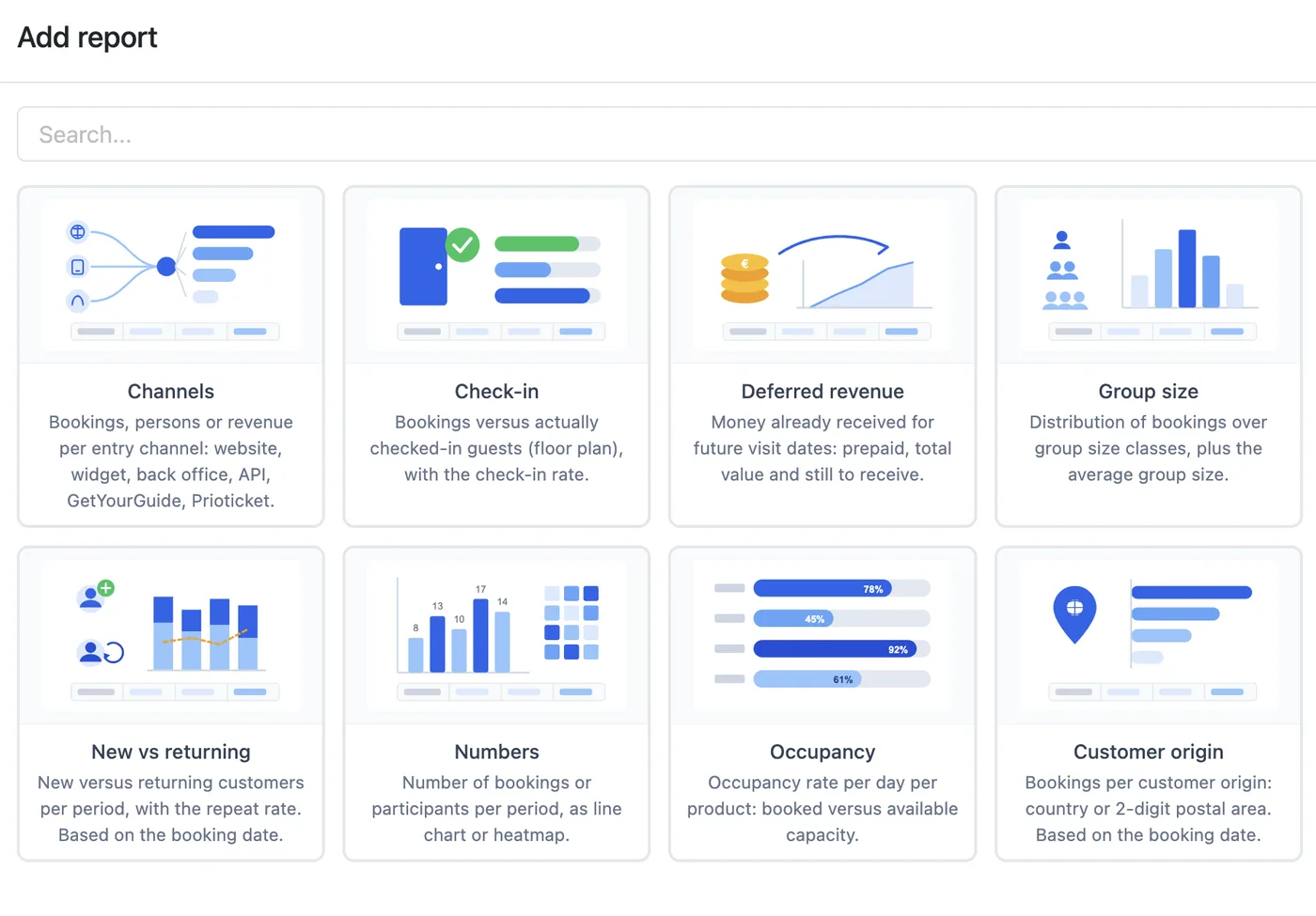
What it does
You choose from a range of ready-made report types, such as revenue, occupancy rate, peak times, booked ahead and channels. That way you spot trends and bottlenecks, but also what is going well. With filters you create your own overviews of reservations, customers and invoices, and export them to Excel. Every report can email itself periodically, for example the weekly overview every Monday morning.
Who it is for
For everyone who wants to steer by the numbers, from course providers to guided tours and rentals.
What you set up
You choose a report type and set how it calculates: per day, week or month, and whether to compare with an earlier period. You share the report with colleagues and set up a scheduled email, as Excel, CSV or PDF.
Works well with
Schedules
The schedule shows you right away what is booked and when. Per room, court, staff member or activity, per day, week or month.Orders and quotes
Draw up a quote, contract or agreement and send it straight to your customer. Once the customer agrees, you turn it into an invoice with one click.Tasks and users
Divide the work around a reservation with tasks, and decide per user what they can see and change.See how it works with your offering?
Try it free for 30 days, we set it up. Or book a demo.