
Invoicing: from booking to invoice without retyping
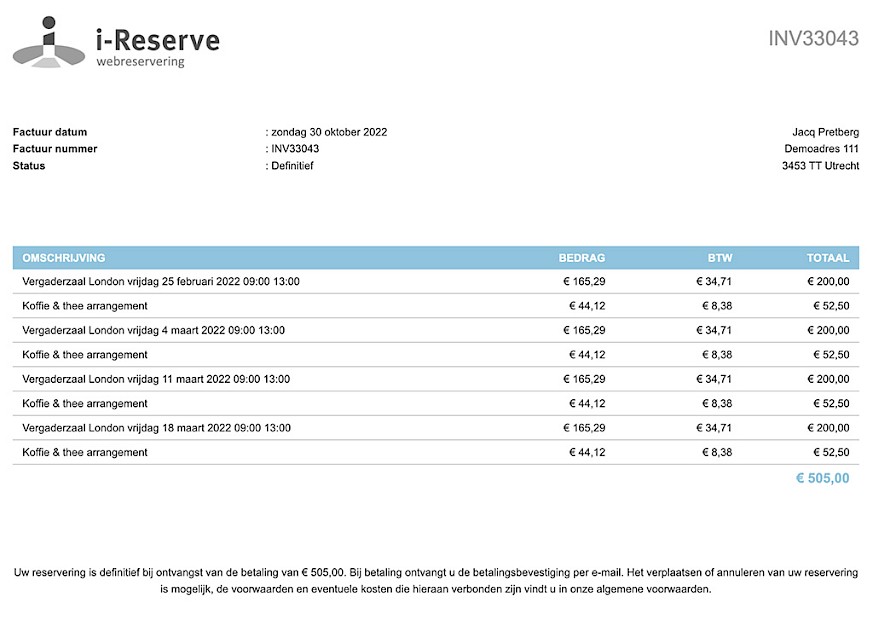
Orders and price overviews in your own house style are included in every plan. Add the Invoice module for partial invoices, direct debits, periodic invoicing, VAT breakdowns and a payment link in the email.
With i-Reserve you can automate not only your bookings but also your invoicing. Use your own invoice templates, merge the invoices of bookings, add extra consumption and choose whether to send an invoice to a customer or a company. You can let invoicing run fully automatically and automatically send an invoice to the customer after the booking has taken place.
as standard
Send the price overview to your customer automatically
Create price overviews or orders and add your own logo and layout. The workflow decides when you create them and how you send them: right after a reservation is made, once the payment comes in or after the reservation's end date, by hand or automatically. Send them as a PDF attachment with a covering e-mail, for example. You can also store various financial details for a company or customer, such as IBAN, BIC and payment methods.
ordersyour own logo and house stylecreate and send at the touch of a buttonattach as PDFstore financial details
clear invoicing
Everything you need for your invoicing
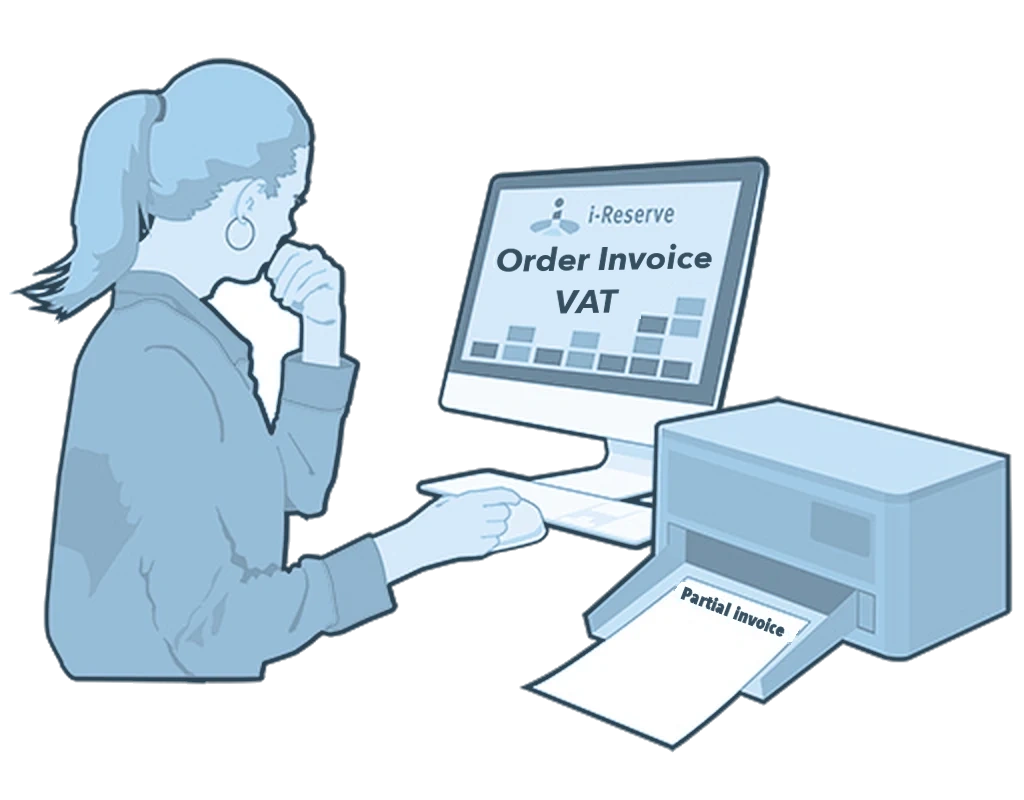
With the Invoice module you turn an order into an invoice, quote or contract. In the reservation system you set your own invoice numbering, with a starting number and prefix. That way it matches your accounting. Invoice the customer or the company they book for. The invoice is sent automatically in your customer's language. You set the VAT per product, option and additional usage. Create partial invoices for a deposit, or combine invoices per month or quarter. You can also create direct debits for several invoices at once. With Online payment you include a payment link, through your own payment provider.
turn an order into an invoiceset your own invoice numbering and addressmultilingualVAT breakdownpartial invoices and direct debitspay straight away, through your own payment provider
keep the overview
Automate, streamline and secure your own process
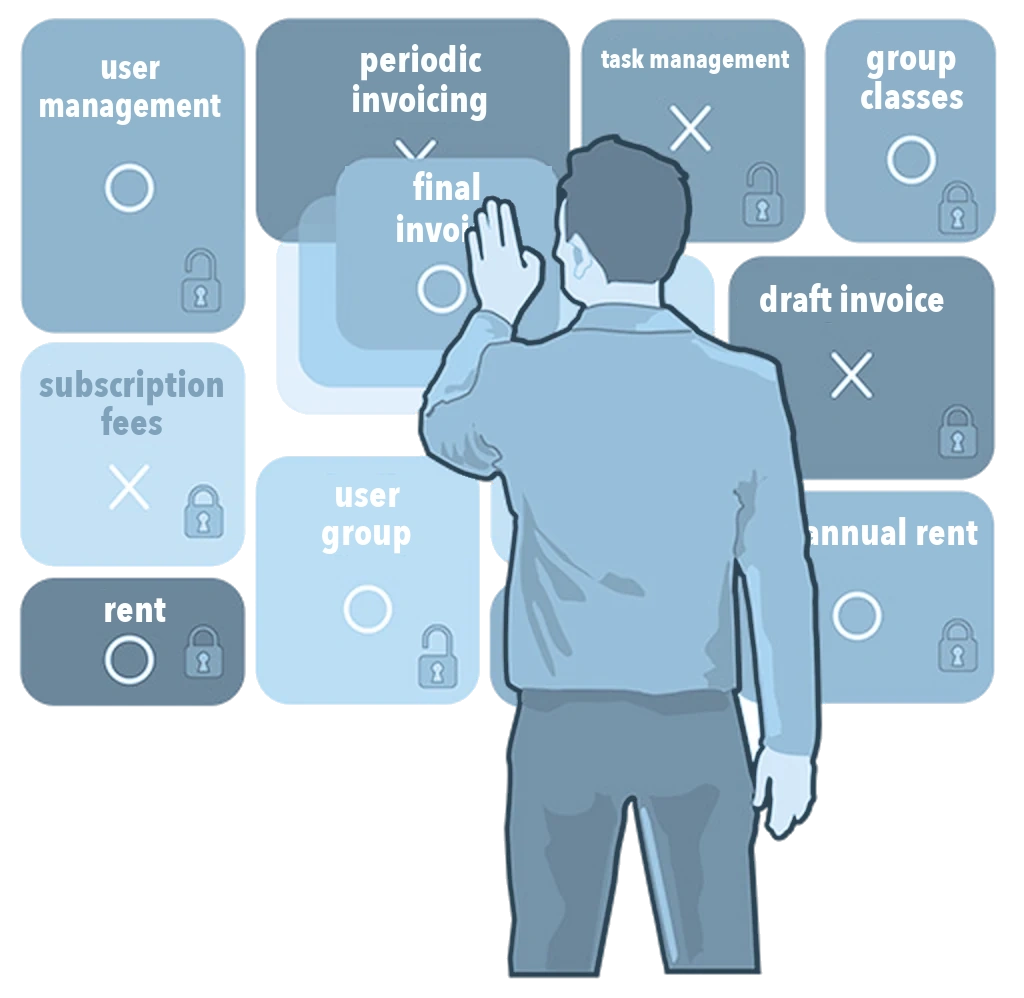
Keep track of your financial data and let many processes run automatically. Filter your invoices or draft invoices and send them periodically to an email address, for example your accounts department. Export an overview of your outstanding items. You see right away which bookings are invoiced, paid or still open. You can also give bookings your own status. Create tasks with a deadline for your colleagues. You decide who can view invoicing and who can create invoices. Combine draft invoices into one final invoice. And invoice a customer periodically, such as monthly subscription fees for group classes or the yearly rent of a meeting room.
user and task managementfilter the overviewmerge draft invoicesperiodic invoicing
Extra added value
Statistics and export options
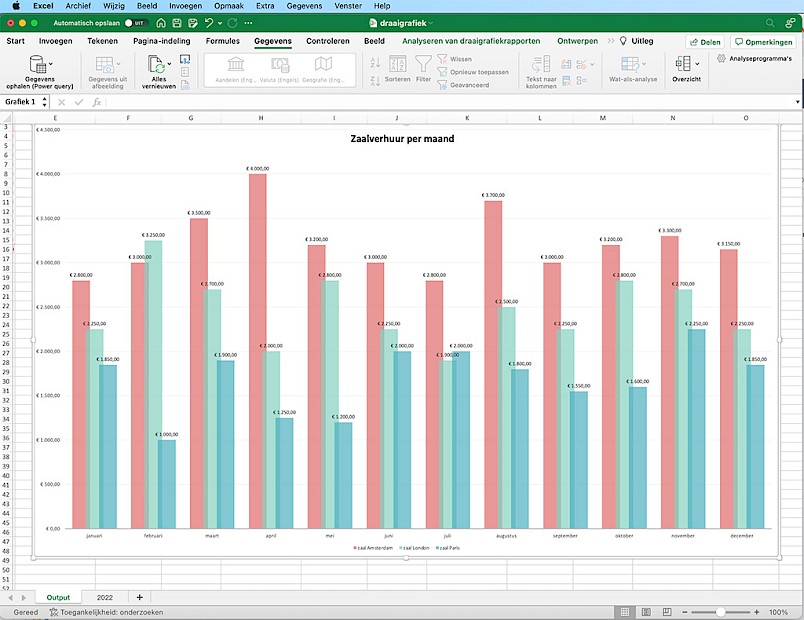
Filter your invoices, export them to Excel pivot tables and get your statistics out of i-Reserve. With the Export module you transfer your invoices to your accounting software. With Exact Online, Moneybird, AFAS and bexio this happens directly through an API integration; with other packages through an export file in that package’s format.
statisticsexport to your accounting system
All features for invoicing
Automatic
The workflow can create draft invoices or final invoices automatically. You decide when that happens: right after a reservation is made, once the payment comes in, or after the reservation's end date.
Create an invoice with your own logo and layout, and send it as a PDF attachment with a covering e-mail.
Set your own invoice numbering
In our reservation system you decide how invoices are numbered. Set the starting number and the prefix so the numbering lines up with your accounting.
Storing financial details
You can store various financial details for a company or customer, such as IBAN, BIC and payment methods.
Multilingual
Draw up your invoice in several languages and have it sent automatically in the customer's own language.
Task management
Create tasks for your colleagues and give them a deadline. You can add a category, attach an action and assign the task to a colleague.
Overview
A clear overview of the reservations already invoiced, those paid and those still outstanding. You can assign statuses to reservations to keep that overview simple, and some status changes can even happen automatically.
VAT breakdown
Set the VAT rate per product, per option and for additional consumption. That VAT can also be specified on the invoice.
Filtering
Filter all your invoices or draft invoices and have them sent to an e-mail address on a schedule, to your bookkeeping, for example.
Statistics
Build filters on your invoices, export them to Excel pivot tables and get your statistics straight out of i-Reserve.
Periodic invoicing
Invoice a particular customer periodically: monthly subscription fees for group classes, say, or the yearly rent of a meeting room.
Export
The export module lets you export invoices to your bookkeeping. Interfaces are available for REMS, Exact, King, Accountview, Mamut, SnelStart, iMuis and Twinfield.
Flexible invoice address
Decide whether the invoice goes to the customer or to a company. That way several customers can book for the same company, and the invoice goes to the company they are booking for.
User management
User management decides which group a user belongs to and which rights come with it. That is how you determine who may see the invoicing and who may create invoices.
Partial invoices
Create partial invoices easily, so you can collect a deposit from customers up front.
Direct debits
Create your direct debits easily, for several invoices at once if you like.
Merging draft invoices
Merge your draft invoices so you can bill them together on one final invoice.
Pay straight away
Connect your online reservation system to a payment provider and have invoice payments run through it. Include a payment link in the e-mail.
See how it works with your offering?
Try it free for 30 days, we set it up. Or book a demo.