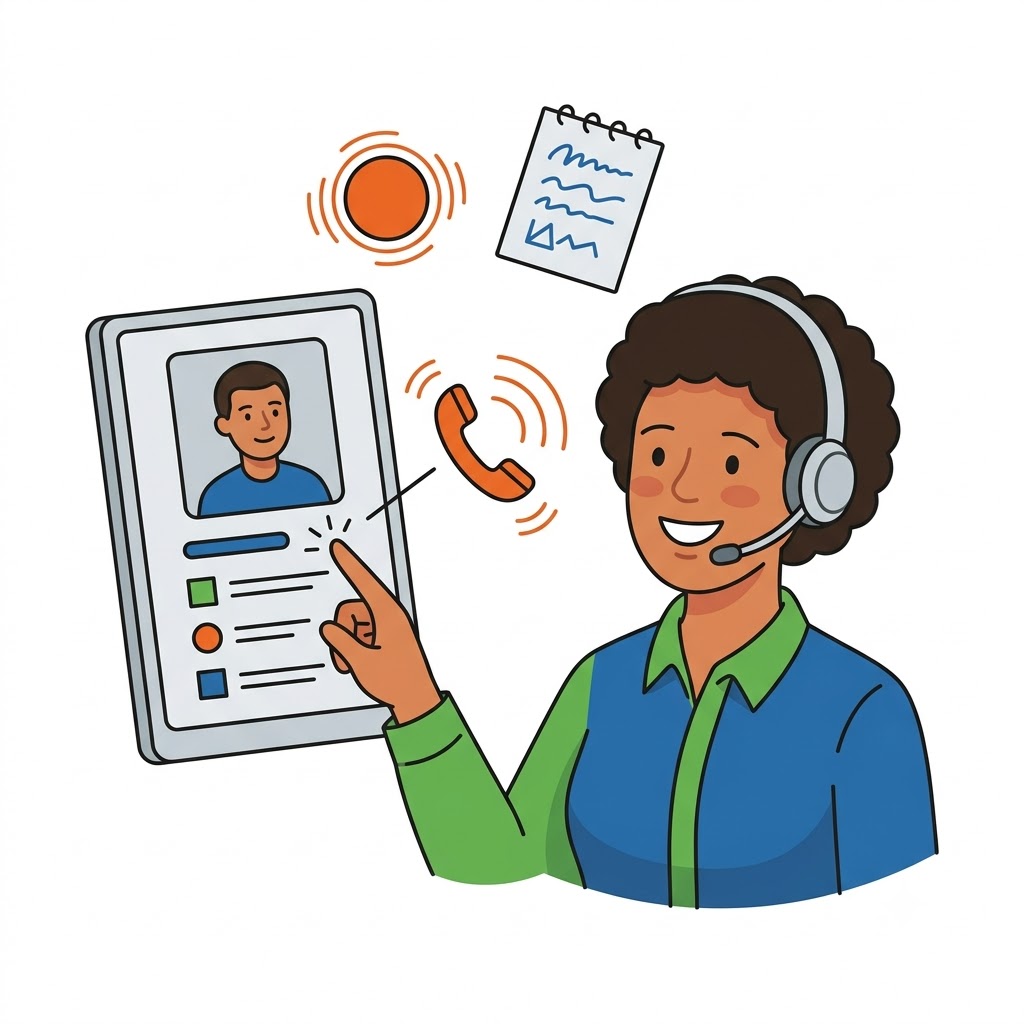
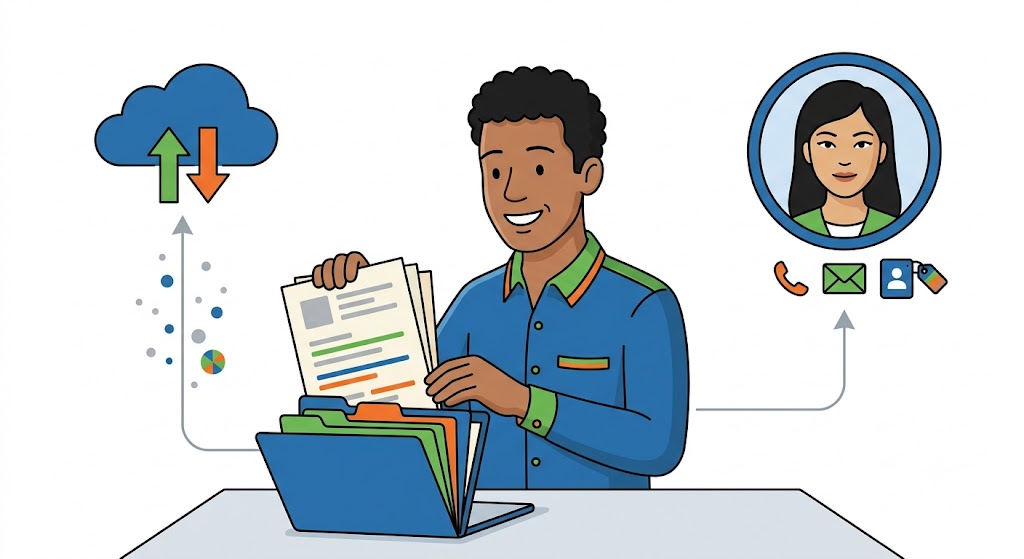
i-Reserve's CRM module puts you in control of your relationships. Capture all of a customer's details, work with companies and link the relevant contacts to them, and keep the underlying relationships clear. You record multiple contact details per relationship, steer on the basis of statuses and labels and log your follow-up. Link documents via Google Drive and call customers directly from the application. That way you have all your customer information, communication and documentation in one place.

The CRM module works seamlessly together with i-Reserve's customer management and reservation features. You can extend the standard capabilities with extra modules or with our integration options for other systems. This turns i-Reserve into a complete, fast and user-friendly reservation system that you configure exactly the way you want.
Companies, contacts and how they relate

companies and contacts

Companies, contacts and how they relate

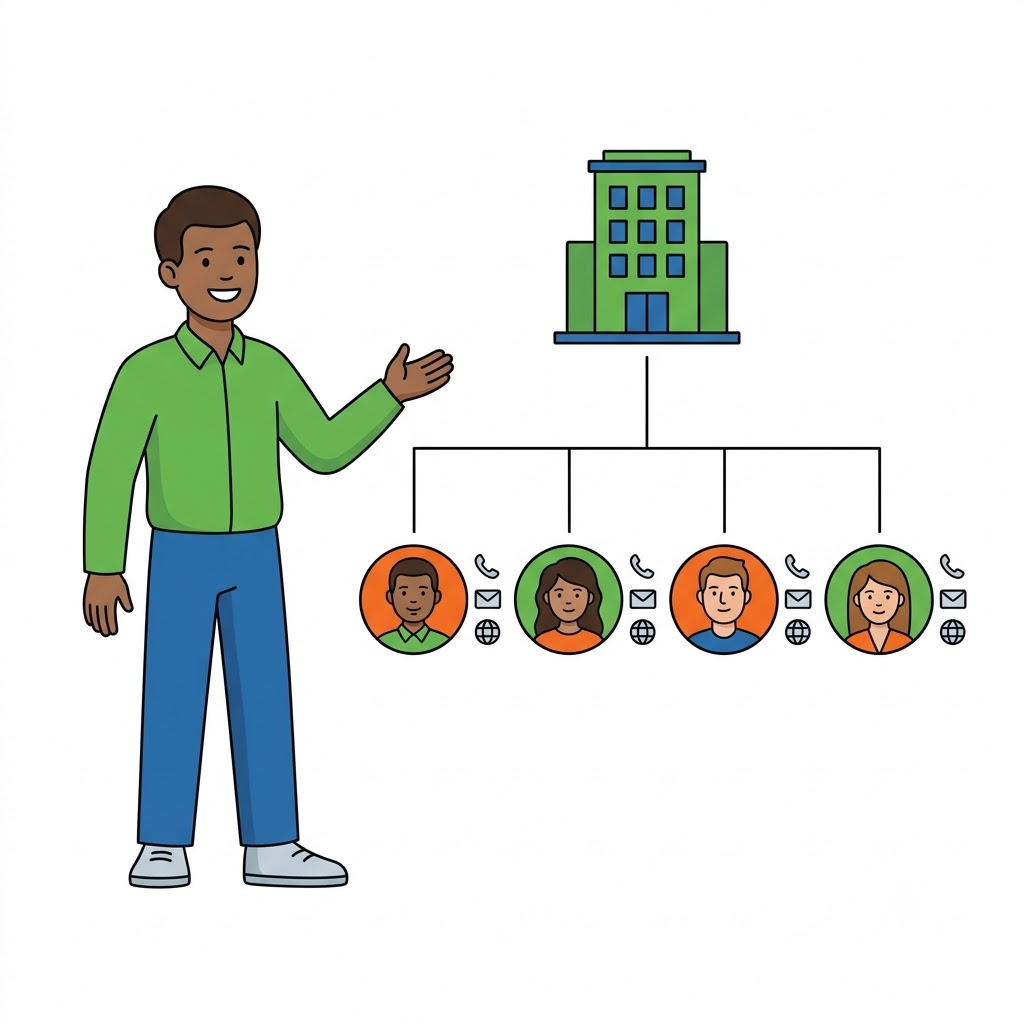
The CRM module lets you easily record multiple details for a customer. You work with companies and link the relevant contacts to them, so the relationship between them is always clear. For each relationship you register different contact details: multiple email addresses, phone numbers and websites. That way you get a complete picture of who's who at a glance.

  • work with both companies and contacts
  • record how relationships interconnect
  • multiple email addresses
  • multiple phone numbers
  • websites and web addresses
  • extra contact fields per relationship
Statuses, labels and follow-up

control over your relationships

Statuses, labels and follow-up

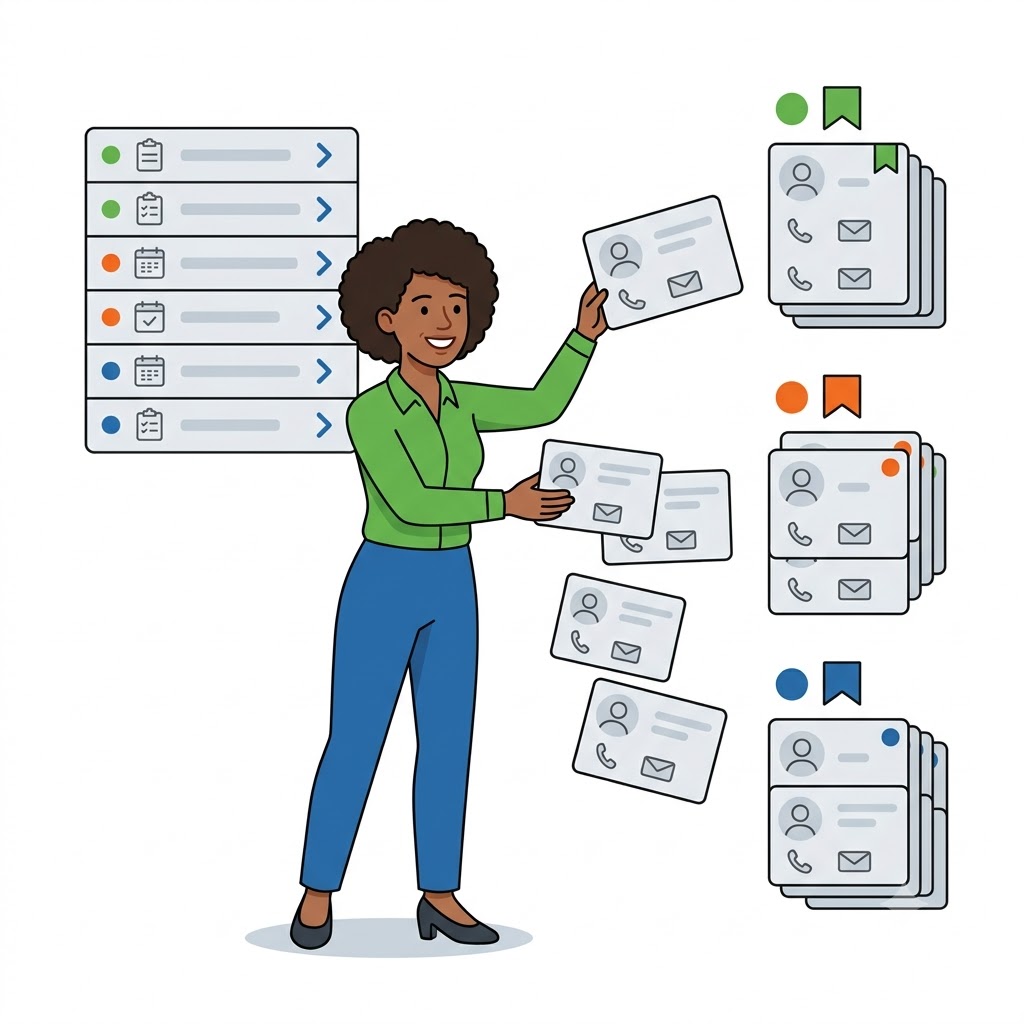
Customer and company statuses give you a grip on who's who. You set configurable statuses at company level and at customer level and use labels to categorize relationships and company fields. Record your follow-up by moving a company or customer to a different status at the right moment. A status-check worklist shows you which customers need action, so nothing slips through the cracks.

  • status at company level
  • status at customer level
  • labels for categorizing
  • your own custom fields
  • record follow-up
  • status-check worklist
Tasks, to-dos and follow-up: nothing falls through the cracks

always on top of your actions

Tasks, to-dos and follow-up: nothing falls through the cracks

With the tasks and to-do module you link tasks directly to your relationships. Work with reusable task templates per scenario — for example onboarding a new customer — and delegate tasks to team members. Every task has its own status workflow, so you can see at a glance what's outstanding and what's done. You can also schedule time-based follow-up reminders ("call this customer on 1 July") and never let another action slip.

  • link tasks to a customer or company
  • reusable task templates
  • delegate tasks to team members
  • status workflow per task
  • time-based follow-up reminders
  • overview of outstanding actions
Communication: email, SMS and chat in one place

all conversations together

Communication: email, SMS and chat in one place

Bring all your communication together in a single overview. Conversations are tracked as threads and you link them to a customer, company, reservation or invoice. Email customers directly from i-Reserve with templates and preview, send SMS messages or run a support chat. A status workflow (open → pending → closed → archived) keeps every conversation organized.

  • unified inbox with threads
  • link conversations to a customer, reservation or invoice
  • email with templates and preview
  • send SMS
  • support chat
  • status workflow per conversation
Call and log conversations with the call module

calling from i-Reserve

Call and log conversations with the call module

With the call module you make outbound calls directly from the application (click-to-dial). Depending on your telephony provider — including our in-house provider WeCloudit — your handset rings and the call is set up. Inbound and outbound calls are logged and linked to the right relationship, can be recorded, and you take notes per call. That way you have continuous insight into when something happened.

  • outbound calling from the application (click-to-dial)
  • works with your own telephony provider
  • support for WeCloudit and others
  • log both inbound and outbound calls
  • record calls
  • notes per call
View the WeCloudit integration
All your documents with the customer via Google Drive

documents in one place

All your documents with the customer via Google Drive

The CRM module has a Google Drive connection. From within the CRM you work directly with a fixed folder of documents in your Google Drive, including subfolders. This lets you store your complete project documentation per relationship and keep all files at your fingertips — both in i-Reserve and in your own Drive.

  • Google Drive integration
  • fixed document folder per relationship
  • work with subfolders
  • complete project documentation
  • documents always at hand

Features

Explore everything the CRM module can do

CRM

Manage your relationships and interactions with (prospective) customers in one central place.

Customer records & field dictionary

Create and manage customer records with a field dictionary: required fields, validation and a rearrangeable form layout.

Companies & contacts

Work with companies and attach the relevant contacts to them, so the relationship is always clear.

Contacts

Multiple contacts per customer (phone, email, SMS), markable as workflow-relevant or invoice recipient.

Interconnected relationships

Link customers to each other or to a company and instantly see how relationships connect.

Automatic company linking

Automatically link customers to the right company based on their email domain.

Company chains

Manage franchise and chain structures, including handling of membership contributions.

Custom fields

Capture extra customer- and company-specific information in your own custom fields (custom01–10).

Customer status

Set up customer statuses and assign a status to a customer to stay in control of your relationships.

Company status

Give companies a company status and steer at organization level instead of per individual customer.

Status-check worklist

See in a single list which customers need action, with a counter in the sidebar.

Labels & categories

Categorize relationships with labels at both company and customer level.

Segmentation & groups

Create multilingual customer segments and groups with their own custom fields.

Tasks & to-dos

Link tasks to your relationships with their own status workflow, so actions are never left undone.

Task templates & delegation

Work with reusable task templates per scenario and delegate tasks to team members.

Follow-up reminders

Schedule time-based follow-up actions ("call this customer on 1 July") and assign them to a team member.

Communication (unified inbox)

Bring email, SMS and chat together as threads, linked to a customer, company, reservation or invoice.

Call module & click-to-dial

Make outbound calls directly from the application, using your own telephony provider such as WeCloudit.

Call recording & notes

Log inbound and outbound calls, record them and take notes against the right relationship.

Google Drive integration

Work directly from the CRM with a fixed document folder in your Google Drive, including subfolders.

Financial details & SEPA

Record IBAN/BIC, VAT number, payment method and SEPA mandate, with invoicing preferences per relationship.

Accounts receivable & reminders

Monitor outstanding items with reminder profiles and automatic dunning, including a send log.

User accounts

Create or link a front-end login, send a reset link and view the site "as this user".

Search, filter & saved filters

Sortable columns, column selection, saved filters and a quick-search window with recent customers.

Bulk actions

Process large groups in one go: bulk emailing, deleting (with a preview check) and updating data.

Merge & deduplicate

Merge duplicate customers with field-by-field selection and insight into the impact on bookings and invoices.

Audit trail & history

Complete audit trail per field (timestamp, user, old/new value) and a separate status history.

Connections and integrations

Get the most out of the i-Reserve online reservation system by connecting it to your online calendar, payment provider or accounting software. Today, the ability to exchange data between different applications or systems is an essential requirement. i-Reserve gives you the option to use various integrations to optimise your reservation system.

View all integrations
i-Reserve koppelingen en integraties

Benieuwd naar alle mogelijkheden?

Niet alleen op het gebied van reserveringen neemt het reserveringssysteem van i-Reserve je werk uit handen. Bekijk ook de functionaliteiten op het gebied van klantbeheer en facturaties, geavanceerde mogelijkheden en onze extra modules. i-Reserve maakt reserveren makkelijk!

Features

Want to let members register online or allow customers to make reservations online 24/7? Simplify your work by automating emails, membership...

Lees meer

Reservations

i-Reserve is a leading provider of online reservation systems, and we are proud to offer our services to businesses across a wide range of sectors....

Lees meer

Customer Management

Easily view upcoming reservations, add personal notes and gain insight into sent emails? CRM is included as standard in i-Reserve and offers many...

Lees meer

Invoicing

With i-Reserve you can not only automate your reservations but also your invoicing. Use your own invoice templates, merge invoices from reservations,...

Lees meer

AI

i-Reserve puts artificial intelligence to work in two places. Incoming reservations are processed automatically: when a customer sends an email or a...

Lees meer

Advanced Features

In addition to its built-in functionalities, the i-Reserve reservation system also offers advanced features.

Lees meer

Extra Modules

The i-Reserve reservation system is set up in a modular way and can be tailored to your needs – you only pay for the modules you actually need. You...

Lees meer

voordelen

Waarom het i-Reserve reserveringssysteem?

Gebruiksvriendelijk

Maak het makkelijk voor je klanten om 24/7 online te kunnen reserveren. Vereenvoudig je werk door e-mails te automatiseren en online betaalmogelijkheden aan te bieden. Dit zijn maar enkele van de vele voordelen van het i-Reserve reserveringssysteem.

Flexibel

Jij bepaalt welke functionaliteiten je gebruikt en hoe je i-Reserve in wilt gaan zetten. De dashboards in het beheergedeelte zijn geheel naar eigen smaak aan te passen en voor het online reserveren kun je de look & feel volledig vormgeven naar eigen stijl.

Responsive

i-Reserve biedt webdesign wat zich automatisch aanpast aan het scherm van je website bezoeker. Het i-Reserve reserveringssysteem is geschikt voor alle schermen van desktops, laptops, tablets en smartphones. Ook op je mobiel kan je een reservering maken.

Veelzijdig

i-Reserve is geheel op maat in te richten en dus inzetbaar in vele verschillende sectoren. Dankzij de veelzijdigheid kan i-Reserve zelfs voldoen aan al je functionele eisen en specifieke wensen. Alles is boekbaar met i-Reserve!