
Booking system for activities: guests book themselves, even on Saturday evening
From bowling alley to escape room. Guests book per person or per group, add shoes, bumpers or a grill package and pay in advance. You see everything in one schedule.

Customers in this sector












Full? Then they go on the waiting list
When a spot opens up, they are booked in automatically. No more phone rounds. Waiting list →Equipment, catering and packages on top
Options per booking or per person. Combine activities into one package. Options →Your own website, your own branding
With the widget, guests book on your own site without clicking away. Fewer drop-offs. Widget →What it does for you
Manage activities, opening hours, prices and packages from one clear reservation system for activities. Automate as much as possible so you keep time for the experience itself. With i-Reserve you stay in control of reservations, customers and payments. You send emails and invoices straight away in your own house style.
Your customers see which activities are available, book online, pay and manage their booking themselves. Extras such as shoes, bumpers or a lunch are easy to add. Combinations of several activities, or an activity with a barbecue package, are effortless to schedule too.
i-Reserve is the online reservation system for recreation and activities that gives you overview and makes scheduling easier. So you can focus on what people remember: fun and experience.
“i-Reserve offers a wide range of automations in the booking process, which I needed to make this project a success. The personal contact and short lines of communication were an added bonus.”
What can your booking system for activities do?
A selection of the features. Click for the details.
Scheduling activities
Schedule leisure and activities for your customers yourself and manage your products and reservations in the online reservation system.
Resource
Use resources in the reservation system to block staff, rooms or equipment whenever several types of leisure activity share them.
How people book
Let customers book per person, or book one activity for a group of people. The same applies to how the price is calculated.
Duration by group size
Make the reserved period depend on the number of participants, so a larger group gets more time for the activity.
Options
Let customers add upsells to their booking in the reservation system, such as snacks, climbing shoes or a helmet. You decide whether the price of the activity is calculated per reservation or per person, and whether an option is compulsory.
Schedule
All your bookings in one clear schedule. Each user can set the schedule up their own way, and you can make a reservation for a customer straight from it.
Variable pricing
In the booking system you can set a different price for high season than for low season. You can also let the price vary at certain times, on certain days and holidays, or depend on how far in advance the booking is made.
Calendar and opening hours
Make sure customers cannot book on holidays, and let your opening hours depend on the day and the season.
Accounting software
Create invoices automatically and export them to your accounting software — our reservation system handles that too.
Packages
Let customers book two different leisure activities back to back at an attractive price in the online reservation system. Bowling and dinner, for instance, or bowling and climbing.
CRM
Besides being a reservation system, i-Reserve is a CRM system too: keep all the details of your customers and companies in one place, with a handy overview of every e-mail sent.
Search & Book
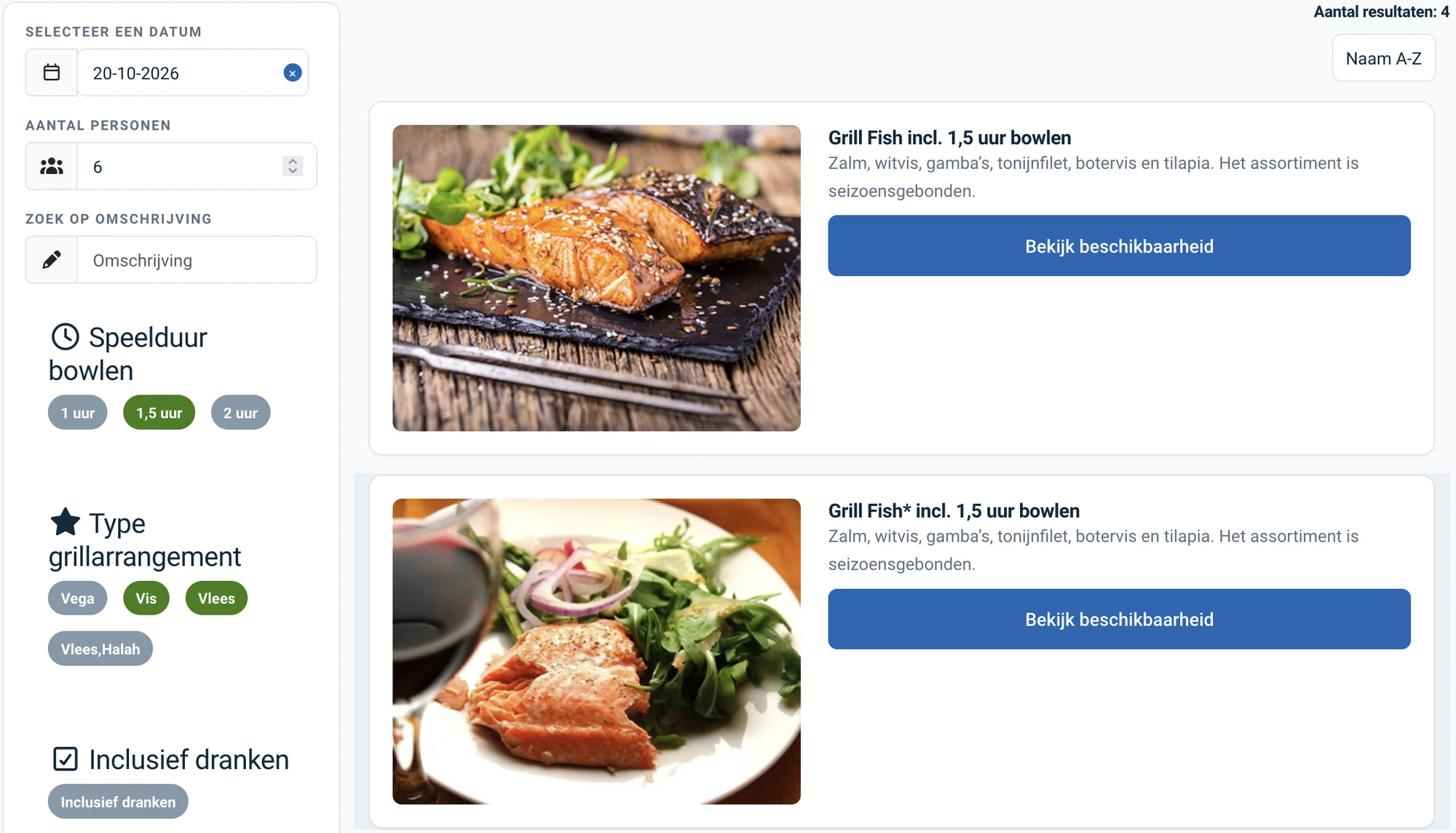
Let customers search and filter the activities that are available in the system, by group size, location or date, for example.
Waiting list
When an activity is full, customers can put themselves on the waiting list in the reservation system and are enrolled automatically as soon as a place comes free.
Widget
Put the reservation system on your own website with the i-Reserve widget. It makes booking simpler for customers, so fewer of them drop out along the way.
Frequently asked questions about booking for activities
I want to enter reservations myself — is that possible?
i-Reserve is yours to set up as you wish. You can give customers the option of booking online themselves, but you do not have to. If you are used to keeping bookings in an (online) calendar, i-Reserve does that job better. From the dashboard you keep an overview of the rooms available in the schedule and the status of every reservation. Adding a new reservation for a customer is quick, and standard e-mails go out by hand or fully automatically from the system.
Can customers pay for a reservation with a punch card?
A customer can buy a punch card through the reservation system, either as a number of punches or as a credit balance. The card is linked to their user profile, and when they make a reservation a punch or part of the balance is deducted automatically. If a class is cancelled, the punch or the credit returns to the card automatically.
Can I let customers book extras while they reserve?
Certainly. You can offer all kinds of extras: rental shoes, tennis rackets and balls, bumpers for your bowling lane or lunch. Customers can also book a combination of two leisure activities, or an activity plus a barbecue package.
Do I have to set up the system myself?
No. With the trial we set up your environment with your offering, prices and settings, free of charge and within a few days. You can also set it up yourself if you prefer.
Switching from another system, or from a paper diary?
We look at what you have now, move your data across and set up your environment. Also if your current system is about to stop.
Try the demo for activities
Book something yourself, add an option and see what the confirmation looks like. No account needed.
Open the demo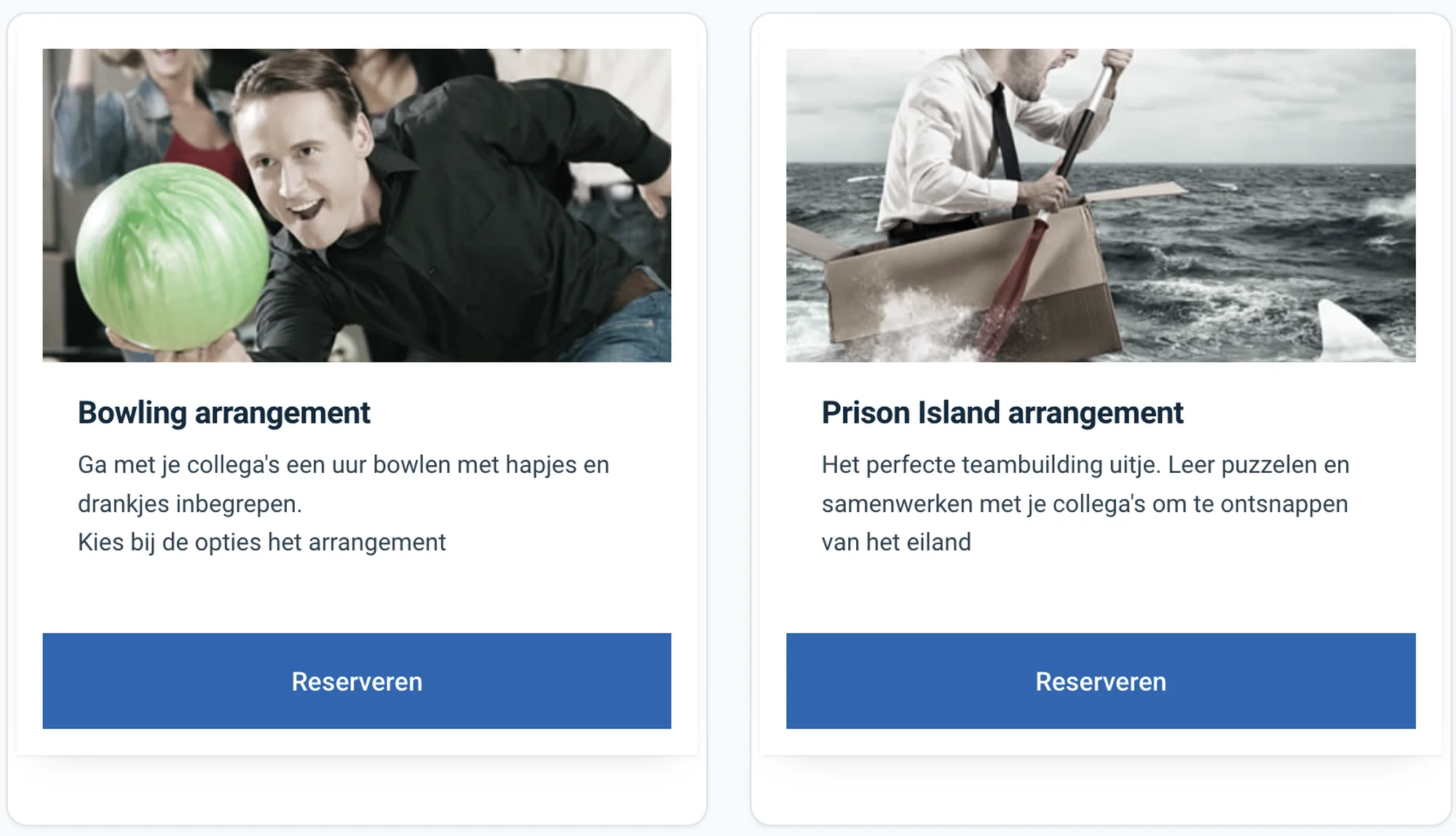
See how it works with your activities?
Try it free for 30 days. We set it up for you, within a few days. Or book a 30-minute demo.