

i-Reserve and Mattermost
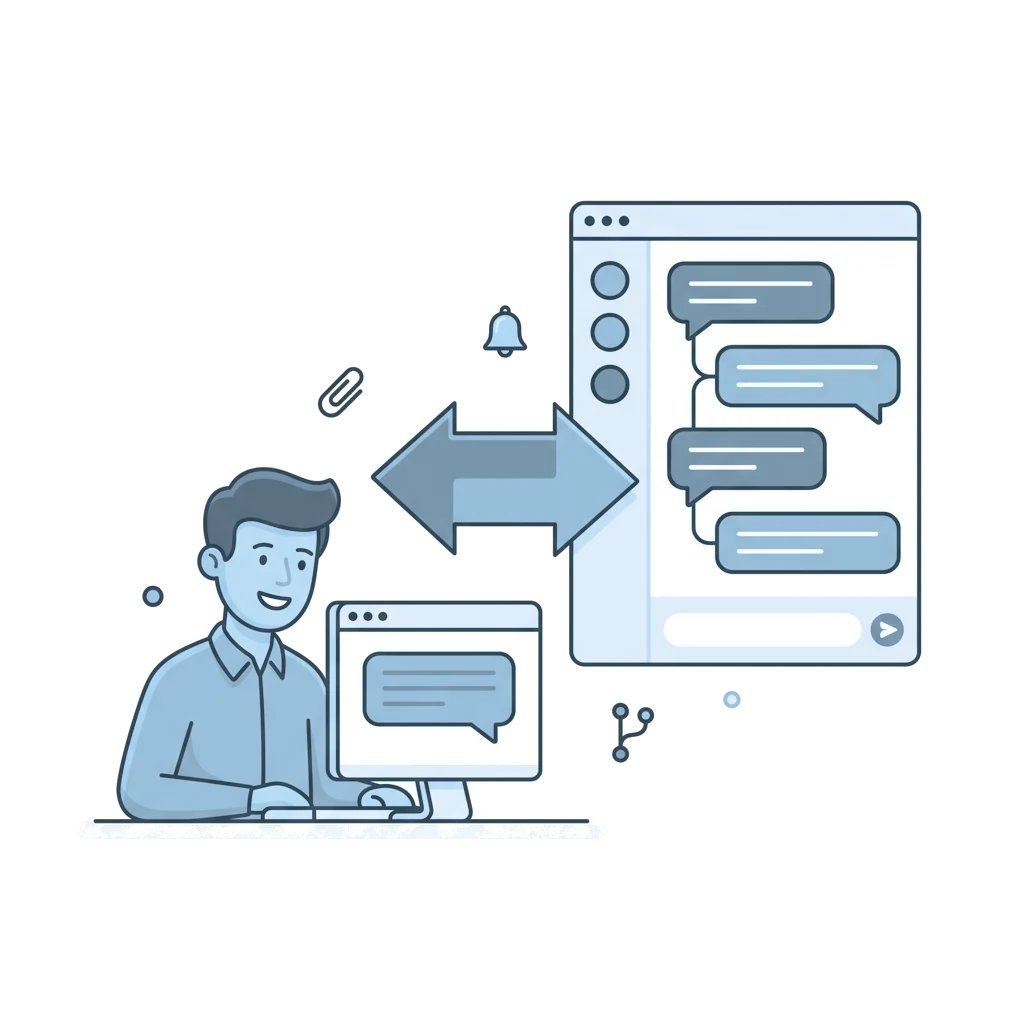
With Mattermost your team follows the support web chat on your website in a Mattermost channel, with each conversation in its own thread.
Type: NativeFrom: Bronze
| i-Reserve | Mattermost | |
|---|---|---|
| New web chat conversation | goes to | Message in the channel, with visitor name and page |
| New message from visitor or colleague | goes to | Reply in the thread |
| Attachments | goes to | Attachments in the thread |
| Notification, such as a booking confirmation | goes to | Message in the chosen channel |
| Reply in the web chat | comes back from | Reply in the thread |
How it works
i-Reserve posts each new web chat conversation as a message in the Mattermost channel you choose, with the visitor's name and the page where the conversation started. New messages from the visitor and from your colleagues arrive as replies in that conversation's thread, including attachments. This keeps every conversation together in one place.
What it delivers
Your team follows customer conversations in Mattermost, without a separate tab for the web chat. Because each conversation and its attachments sit in one thread, more colleagues can follow along, pick up a conversation and respond faster.
What you need
For this integration you need your own Mattermost environment with a bot account and a personal access token. The bot must be a member of every channel in which i-Reserve posts messages.
Extra options
Notifications: send each type of notification, such as booking confirmations and status changes, to a channel of its own.
Replying from Mattermost: when your team replies in the thread, the reply appears in the web chat for the visitor.
How to switch it on
- In Mattermost, create a bot account with a personal access token and add the bot to your channels
- Add the integration in i-Reserve with the server URL and the bot token
- Choose the channel for the web chat and a channel per type of notification
- Activate the integration and send a test message
Simply do it yourself, or have it included in the setup.
Frequently asked questions about Mattermost
What is the integration between i-Reserve and Mattermost?
With the integration your team follows the support web chat on your website in a Mattermost channel, with every conversation in its own thread. When your team replies in the thread, the reply appears in the web chat for the visitor.
Can my team reply to the website visitor from Mattermost?
Yes. When a colleague replies in the Mattermost thread, the reply appears in the web chat for the visitor. That way you handle the whole conversation from Mattermost.
How are conversations organised in Mattermost?
Every new web chat conversation is posted as a message in the channel you choose, with the visitor's name and the page where the conversation started. New messages and attachments are added as replies in that conversation's thread, so the whole conversation stays together.
Can I also receive bookings and status changes in Mattermost?
Yes. For each type of notification, such as booking confirmations and status changes, you send a message to a channel of its own, so the right team stays informed.
Are attachments included?
Yes. Attachments from the conversation are included in the thread in Mattermost, so your team sees the whole conversation.
Do I need my own Mattermost environment?
Yes, the integration works with your own Mattermost environment, with a bot account and a personal access token. The bot has to be a member of every channel where i-Reserve posts messages. The steps are in the manual.
Also in office tools





All integrations · Is your system missing? Request it
Connect Mattermost and done?
Try it free for 30 days, we set the integration up with you. Or book a demo.