

i-Reserve and Google Calendar
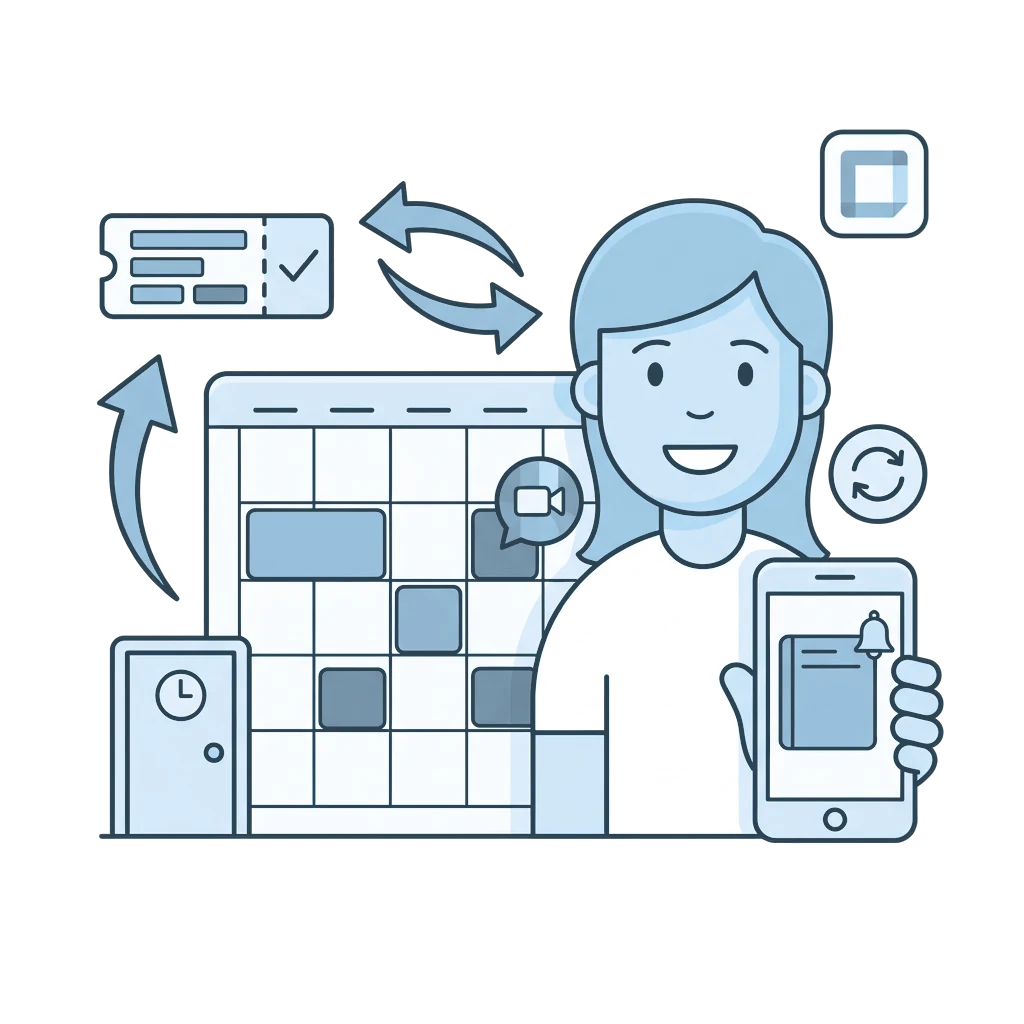
With Google Calendar every booking automatically appears in the calendar of your choice, and an appointment you move, cancel or create in Google carries through to i-Reserve.
Type: NativeFrom: Bronze
| i-Reserve | Google Calendar | |
|---|---|---|
| Booking (at chosen status) | goes to | Appointment in the object's calendar |
| Object, customer and booking fields | goes to | Title and description |
| Customer (optional) | goes to | Attendee |
| Date and time | goes to and comes back from | Date and time of the appointment |
| Cancellation | goes to and comes back from | Cancelled or deleted appointment |
| New booking on the linked object | comes back from | New appointment in the calendar |
| Google Meet link (optional) | comes back from | (stored with the booking) |
How it works
i-Reserve puts a booking into Google Calendar as an appointment as soon as it reaches a status you choose. You pick the calendar per object, for example that of a trainer, the front desk or a room. If you reschedule or cancel a booking, the appointment moves with it; if you move or cancel the appointment in Google, the booking is updated. A new appointment you create in Google yourself becomes a booking on the linked object.
What it delivers
Every booking appears automatically and clearly in the right calendar, with the details you choose for title and description. Changes and cancellations follow along, your schedule is at hand on your phone too, and because availability stays up to date, double bookings become much less likely.
What you need
For this integration you need a Google account (Google Workspace or a regular Google account), preferably a separate account for the integration, and an OAuth client in Google Cloud with the Google Calendar API switched on.
Extra options
Google Meet: i-Reserve can automatically create a Google Meet link and store it with the booking.
Attendees and reminders: you can add the customer as an attendee and set a popup or email reminder.
How to switch it on
- Create a project in Google Cloud, switch on the Google Calendar API and create an OAuth client
- Add the integration in i-Reserve, enter the client ID and client secret and give permission in two steps
- Link your objects to the right calendars
- Choose at which status an appointment is created or removed and test both directions
Simply do it yourself, or have it included in the setup.
Frequently asked questions about Google Calendar
Is the integration between i-Reserve and Google Calendar two-way?
Yes. When a booking in i-Reserve reaches the status you choose, the appointment appears in Google Calendar. If you reschedule or cancel the booking, the appointment moves with it, and the other way round, an appointment you move or cancel in Google updates the booking. A new appointment you create in Google becomes a booking on the linked object.
Is a Google Meet link created automatically?
It can be. If you want, i-Reserve automatically creates a Google Meet link for an appointment and stores it with the booking, so the customer and the staff member have the right link straight away. An existing link is kept when something changes.
What happens if I reschedule or cancel a booking?
The integration updates the related appointment: with a new date or time the appointment moves along, and with a cancellation the appointment is cancelled or deleted. You don't have to update anything twice.
Which Google account do I need?
You connect a Google account (Google Workspace or a regular Google account), preferably a separate account for the integration. Within the calendars that account has access to, you choose per object the calendar the bookings go into.
Which booking details go into the calendar?
Date and time are always synchronised. On top of that, you decide which object, customer and booking fields go into the title and description of the appointment, so the calendar shows exactly the information you want to see.
Can I link different calendars, for example for a trainer or the front desk?
Yes. You choose per object which calendar the bookings appear in, for example that of a trainer, the front desk or a room. That way everyone sees the right schedule, also on the go on their phone.
Does the integration prevent double bookings?
Because bookings and changes appear in the calendar automatically, availability stays up to date and you see at a glance what is already taken. That makes double bookings a lot less likely.

Connect Google Calendar and done?
Try it free for 30 days, we set the integration up with you. Or book a demo.