

i-Reserve and Zapier
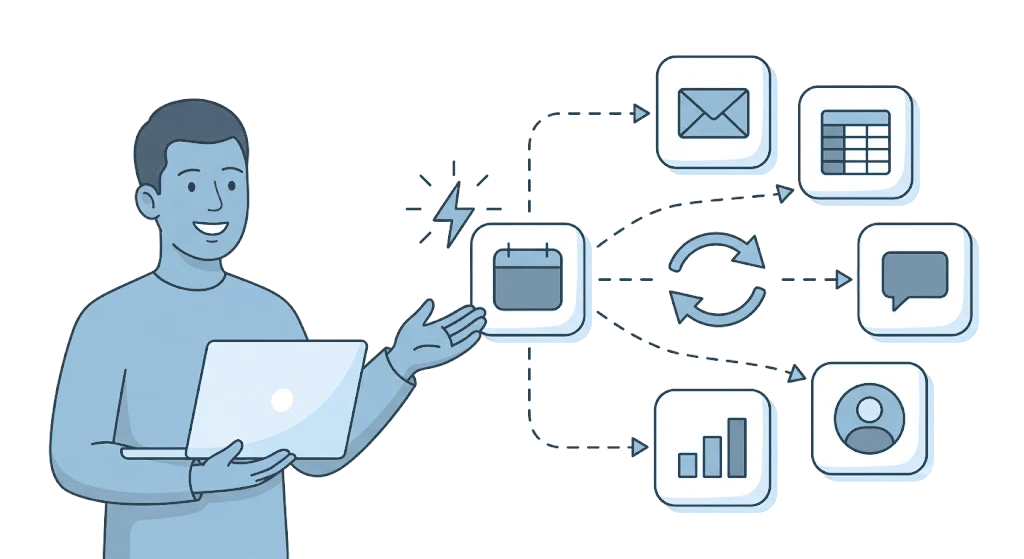
With Zapier, an event in i-Reserve, such as a new booking or a status change, automatically triggers a next step in thousands of other apps, and the other way round a Zap can create a booking or customer in i-Reserve.
Type: APIFrom: Silver
| i-Reserve | Zapier | |
|---|---|---|
| New or changed booking | goes to | Trigger |
| Booking status change | goes to | Trigger |
| New or changed customer | goes to | Trigger |
| Completed order | goes to | Trigger |
| Create or update booking | comes back from | Action |
| Create customer | comes back from | Action |
| Create document | comes back from | Action |
How it works
You connect your i-Reserve environment to Zapier once, using an OAuth client and a separate connection user. Then you build so-called Zaps in Zapier: workflows that combine an event from i-Reserve with an action in another app. It also works the other way: a Zap can look up data in i-Reserve and write data back. You set up the connection once and reuse it in all your Zaps.
What it delivers
Recurring work takes care of itself, from email marketing and reports to notifications and administration. Think of a new customer in your Mailchimp list, a booking in Google Sheets or a message in Slack as soon as an order is paid. Bookings, customers and orders stay in sync between i-Reserve and your other tools, such as HubSpot. You build and adjust the workflows yourself, without code.
What you need
For this integration you need a Zapier account. In i-Reserve you create an OAuth client and a connection user. The permissions of that user determine what a Zap may do in i-Reserve, and therefore which data is shared. In i-Reserve, API access must be enabled; it is included in the plans from Silver.
Extra options
Test and production: you set up a separate OAuth client and connection user per environment, so you can try out a Zap in a test environment first.
How to switch it on
- Create an OAuth client and a connection user in i-Reserve
- Create a Zap with i-Reserve in Zapier and enter your environment's domain, the Client ID and the Client Secret
- Log in, grant access and choose the trigger and actions
- Test the Zap with a real event and turn it on
Simply do it yourself, or have it included in the setup.
Frequently asked questions about Zapier
What is the integration between i-Reserve and Zapier?
Zapier is an integration platform that lets you connect i-Reserve to thousands of other apps without code. You build Zaps: workflows in which an event in i-Reserve automatically triggers an action in another app, or the other way round.
Do I need programming skills?
No. You build Zaps in Zapier, without code. i-Reserve provides the triggers and actions ready to use; you choose which apps to connect to them.
Which events from i-Reserve can I use?
As a trigger: a new or changed booking, a booking status change, a new or changed customer and a completed order. As an action, Zapier can create or update a booking, create a customer and create a document in i-Reserve.
Which apps can I connect i-Reserve to?
To the apps available in Zapier, such as Mailchimp, Google Sheets, Slack and HubSpot, and thousands of other tools for marketing, administration and communication.
How does the connection work and is it secure?
You connect your i-Reserve environment to Zapier once, through an OAuth client and a separate connection user. Passwords are not shared. The permissions of the connection user determine what a Zap may do in i-Reserve, and so which data flows along.
Can Zapier also write data back to i-Reserve?
Yes. With the actions, Zapier writes data back to i-Reserve: creating or updating a booking, creating a customer and creating a document. A Zap can also look up data in i-Reserve. That way the integration works in both directions.

Connect Zapier and done?
Try it free for 30 days, we set the integration up with you. Or book a demo.